Describing Software Features with User Stories
An introduction to User Stories for describing software features in a way that non-technical clients can understand. This method uses the template 'As a, I want to, So that' to identify users, actions, and benefits, with guidance on breaking down User Stories and real examples.

Related Posts
Discover more content you might enjoy
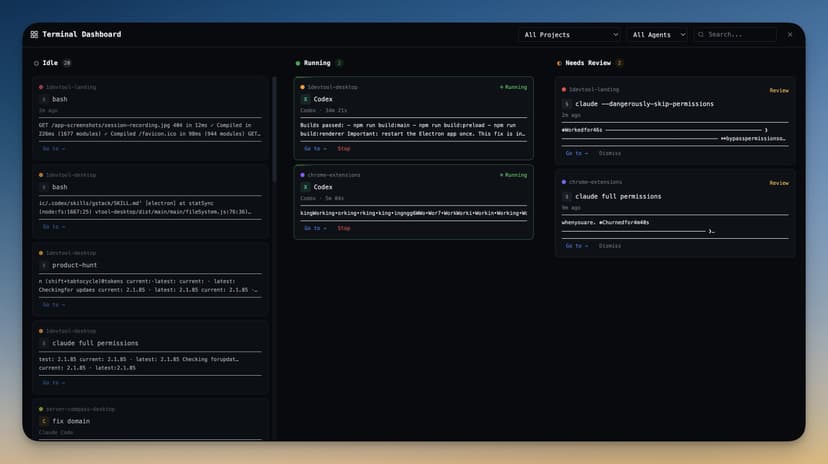
1DevTool: The Developer Cockpit I Built Because I Was Drowning in Windows
I was running Claude Code, Codex, and Gemini CLI in three different terminals, plus VS Code, Chrome, Postman, and TablePlus — just to ship one feature. So I built 1DevTool: one window per project, every AI agent in one place, everything persists.
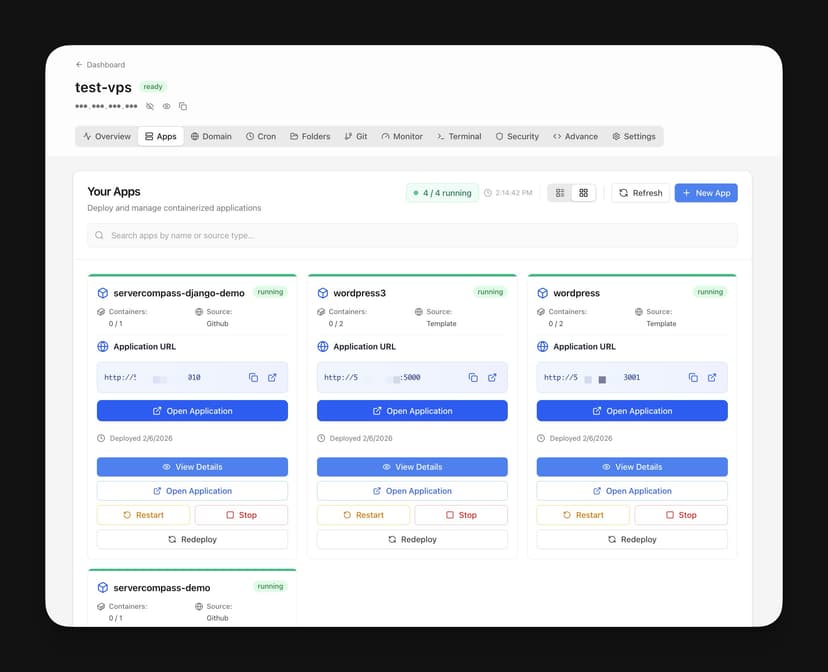
Server Compass: Why I Built a Desktop App to Turn Any $5 VPS Into My Own PaaS
I was tired of paying $20+/month for Vercel and Railway, but also tired of self-hosted panels eating 2GB of RAM on my $5 VPS. So I built Server Compass — a desktop app that connects to any VPS over SSH and gives you the full power of a managed PaaS, with zero server overhead and one-time pricing.
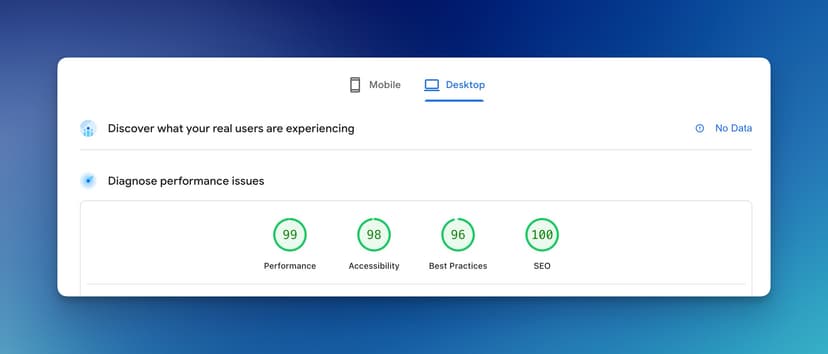
Accidentally Building a Blogging Platform
I hadn't written blog posts for a long time and realized I was too dependent on AI. To rebuild my writing habit and think more clearly, I decided to build a writing platform: write.rocks.

Vibe Coding - Rebuilding My Blog from Scratch and Rebranding to khoa.blog
Detailed walkthrough of rebuilding a blog from scratch with vibe coding, from data migration to implementing new features, helping readers understand the personal blog development process.

Day 24 - Profitable MVP in 30 Days - Launch Day and Some Numbers
Day 24 of the profitable MVP challenge where I decided to launch ReadingPointer on Product Hunt without waiting for Chrome Web Store to approve the new version. Analyzing initial Google Analytics data after 18 hours including new users, average session duration, and button click behavior.

Day 18 - Profitable MVP in 30 Days - Completing the App
Day 18 of the profitable MVP challenge, sharing about completing the Speed Reading extension for $160 after 3 days working with a freelancer on Upwork. The post describes the process of adding analytics, final adjustments, and submitting the app to Chrome Web Store for review, plus sharing inspiration from the book 'Start Something That Matters'.