1DesignTool: AI Design That Works With Any Coding Agent
Design with the coding agent you already use, let the AI review its own work, then apply the design straight into your SwiftUI, React Native or Vue code.

I just built a new app focused on design, and I'd love for you to try it: 1DesignTool.
There are already a lot of AI design tools, so the fair question is "why another one?". Here's what's different, in three parts.
1. Bring your own coding agent
Compared to Claude Design, the biggest difference is that you can plug in other coding agents. You're not locked to one model.
That also means you can use cheaper models, for example the ones available in OpenCode, and still get results close to the expensive ones. If you already pay for Claude Code, Codex or OpenCode, 1DesignTool uses what you have instead of asking for another subscription.
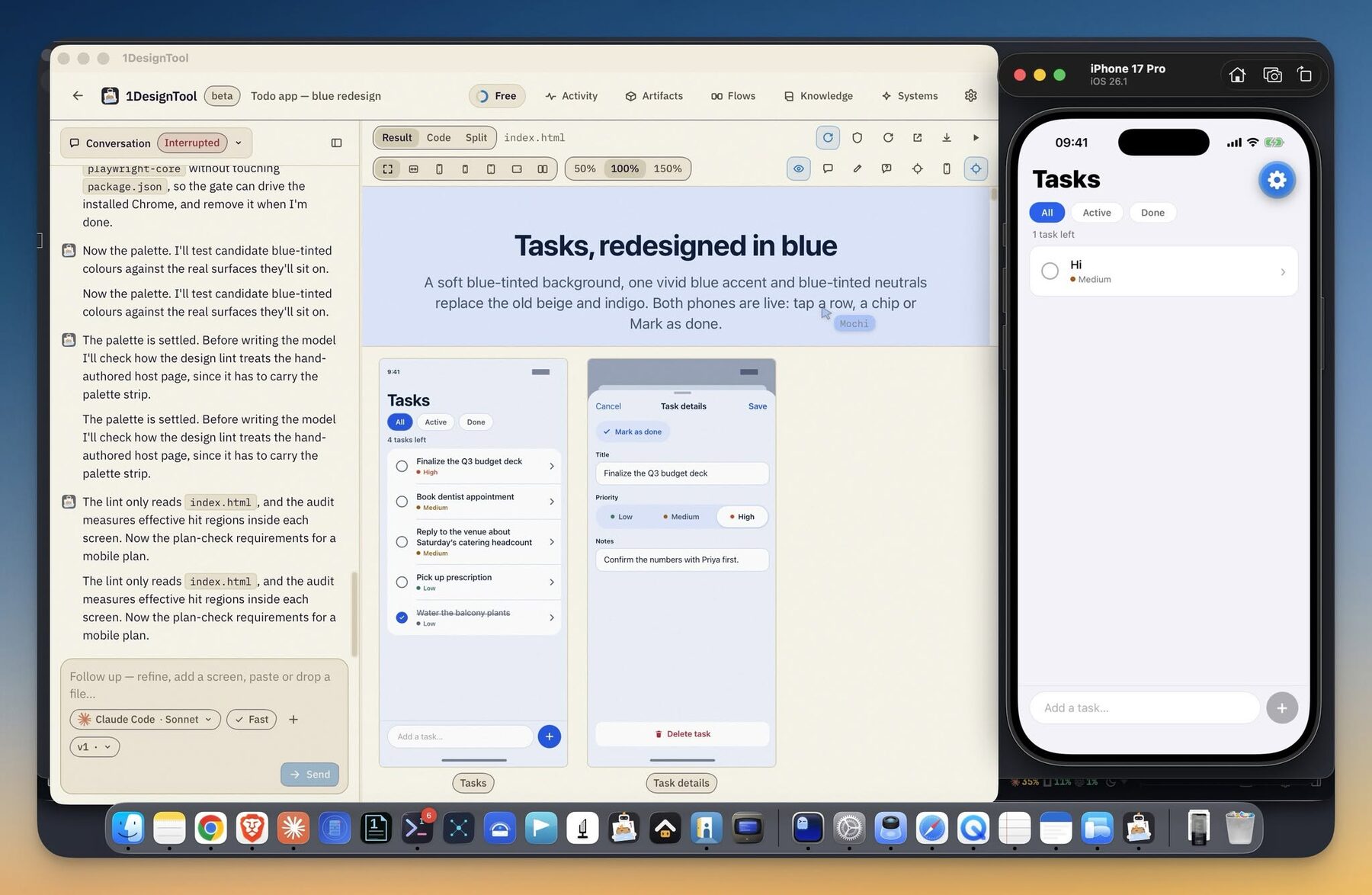
A todo app redesign with Claude Code (Sonnet) as the agent. On the right, the same design running in the iOS simulator.
2. Fewer templates, more review rounds
Most current solutions, like OpenDesign and similar tools, collect a big library of design templates for the AI to copy from.
I went the other way. Fewer templates, but a few extra review rounds where the AI looks at its own design, compares it with the expected output standard, and fixes what's off. Like a designer who checks their work before sending it, instead of an intern with a thousand references.
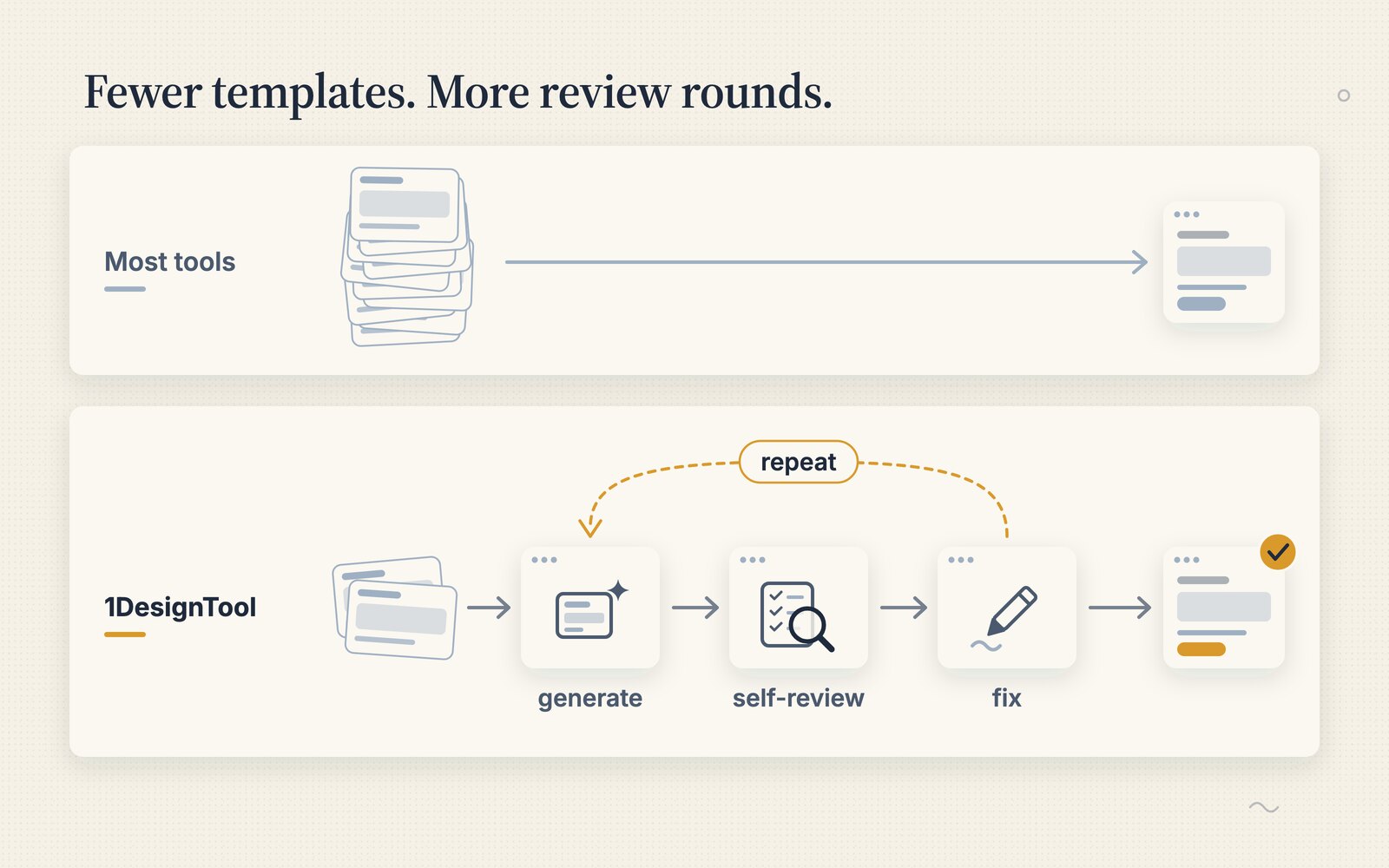
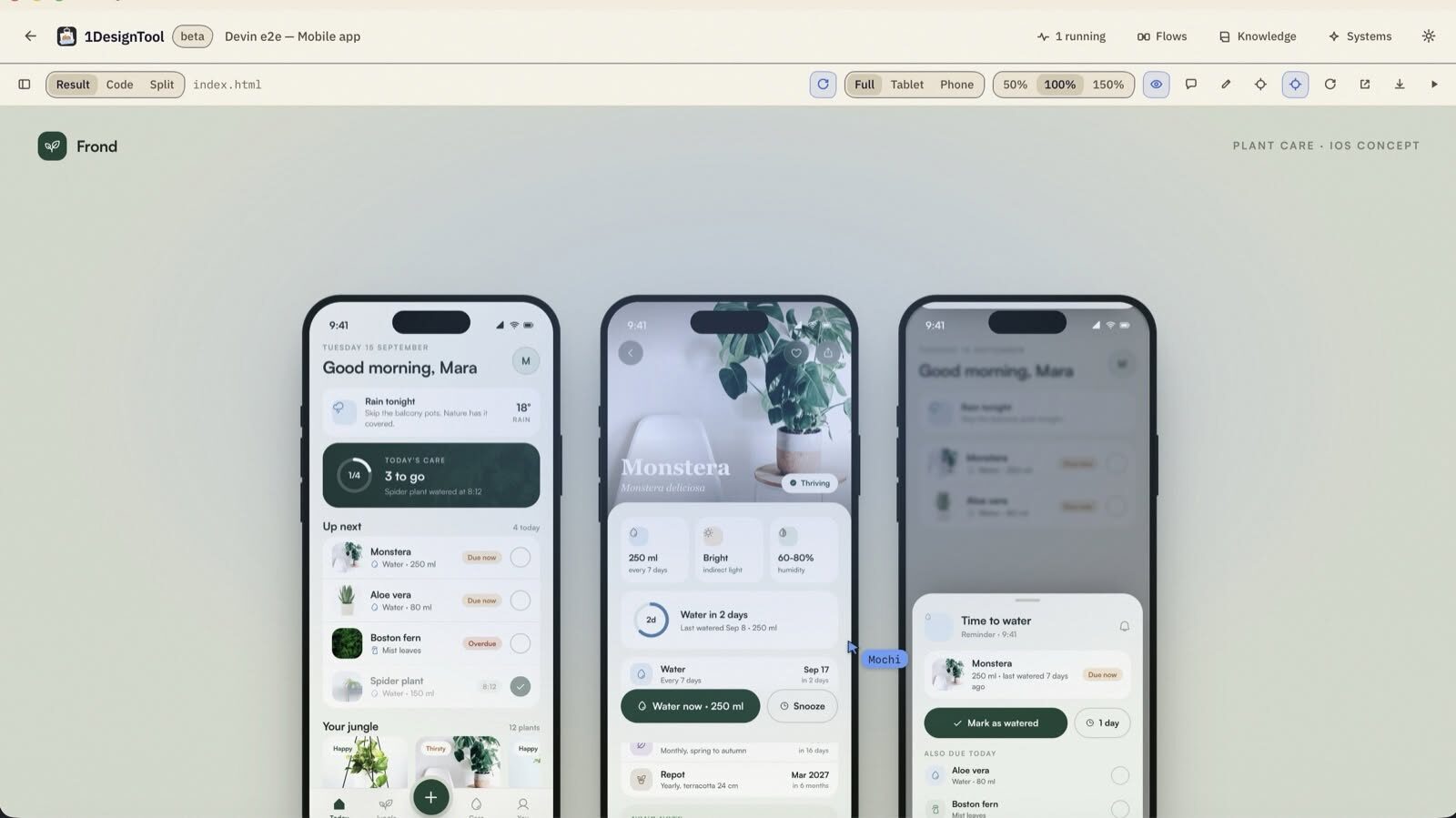
Next on my list: orchestrating several AIs so they design together and review each other's work. The goal is the best result with the least prompting. Because let's be honest, everyone is lazy. Me first.
3. Apply the design straight into your code
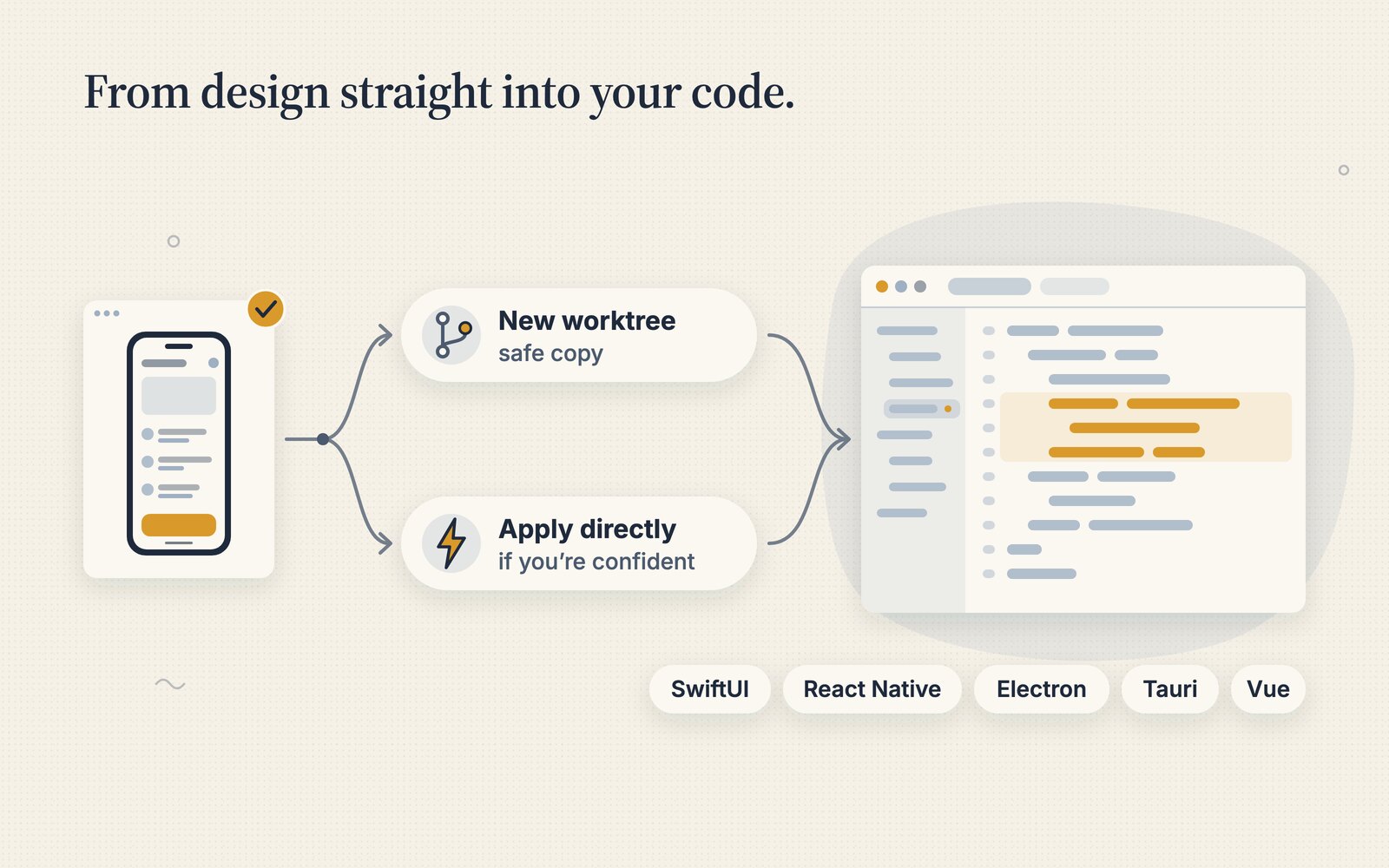
This is the part I care about most. 1DesignTool applies the design directly into your existing source code, in your stack, looking exactly like the design.
If your stack is SwiftUI, React Native, Electron, Tauri or Vue, it writes the design into that codebase. No more manual conversion.
You get two options:
- New worktree: apply it on a separate copy, so the code you're in the middle of stays untouched.
- Apply directly: put it straight into your codebase, if you're feeling confident.
Before, I had to take the HTML and CSS files from a design and hand them to an AI to rebuild inside my real app. That step is gone now, and so is the time it ate.
Try it
1DesignTool is free to try at 1designtool.com. It's the newest app in the same family as 1DevTool and 1AIVault: bring your own AI, pay once, your files stay on your machine.
It's still early, so feedback of any kind helps a lot. Which coding agent would you plug in first?
Related Posts
Discover more content you might enjoy

I was tired of copy-pasting context between Claude Code, Codex and OpenCode. So I built 1AIVault: one local memory vault that every AI tool reads over MCP.
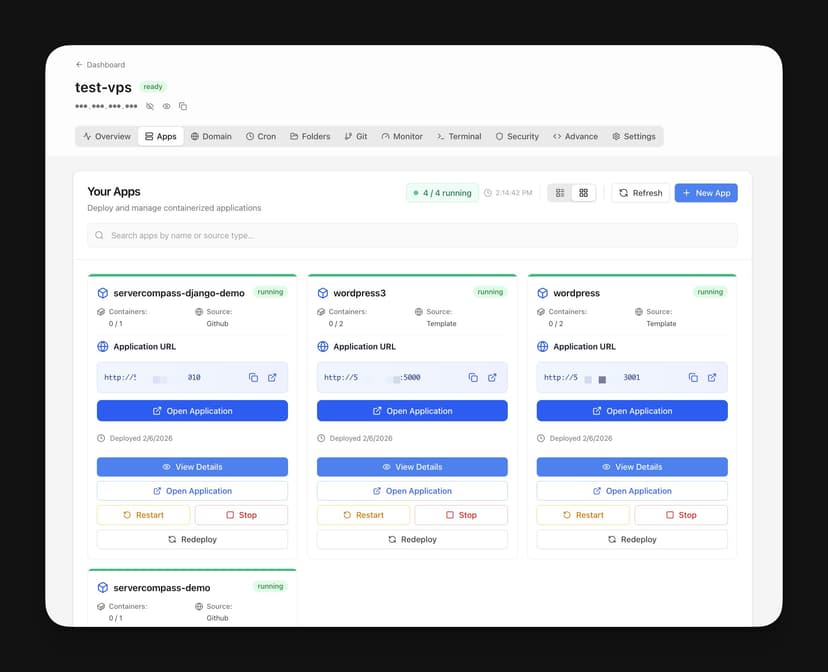
I was tired of paying $20+/month for Vercel and Railway, but also tired of self-hosted panels eating 2GB of RAM on my $5 VPS. So I built Server Compass — a desktop app that connects to any VPS over SSH and gives you the full power of a managed PaaS, with zero server overhead and one-time pricing.
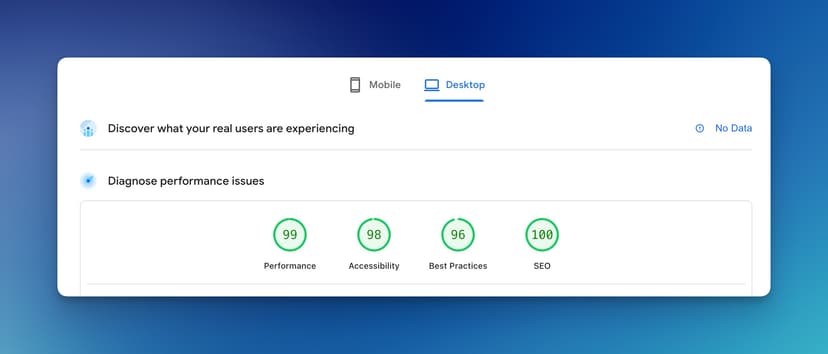
Accidentally Building a Blogging Platform
I hadn't written blog posts for a long time and realized I was too dependent on AI. To rebuild my writing habit and think more clearly, I decided to build a writing platform: write.rocks.

An analysis of the intersection between Game Theory and artificial intelligence, explaining how AI is changing Nash equilibrium principles and optimal strategies. The post includes real-world examples of applications in business, transportation, and cybersecurity.

A controversial take on plagiarism, copying, and copyright infringement - from music to games to courses. Examining how we all use 'materials' from others in our work, and questioning whether we should criticize others when we ourselves violate copyrights daily.

Book Review: Moonwalking with Einstein
Review of 'Moonwalking with Einstein' by Joshua Foer - a journey exploring the art and science of memory, from the perspective of a journalist who participated in the USA Memory Championship.